NEW Squarespace 7.1 · runs in your admin

Asset Library Manager for Squarespace

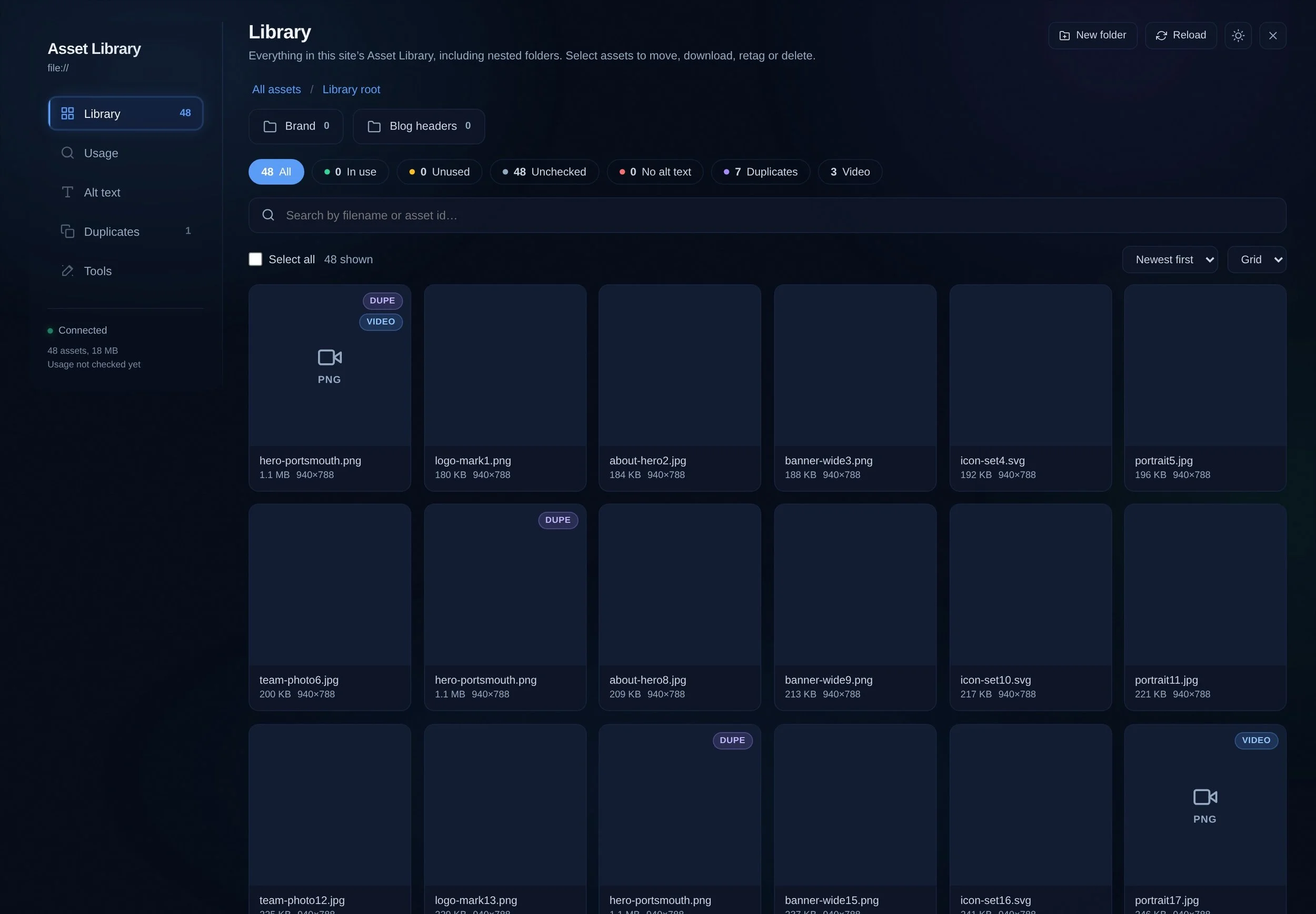
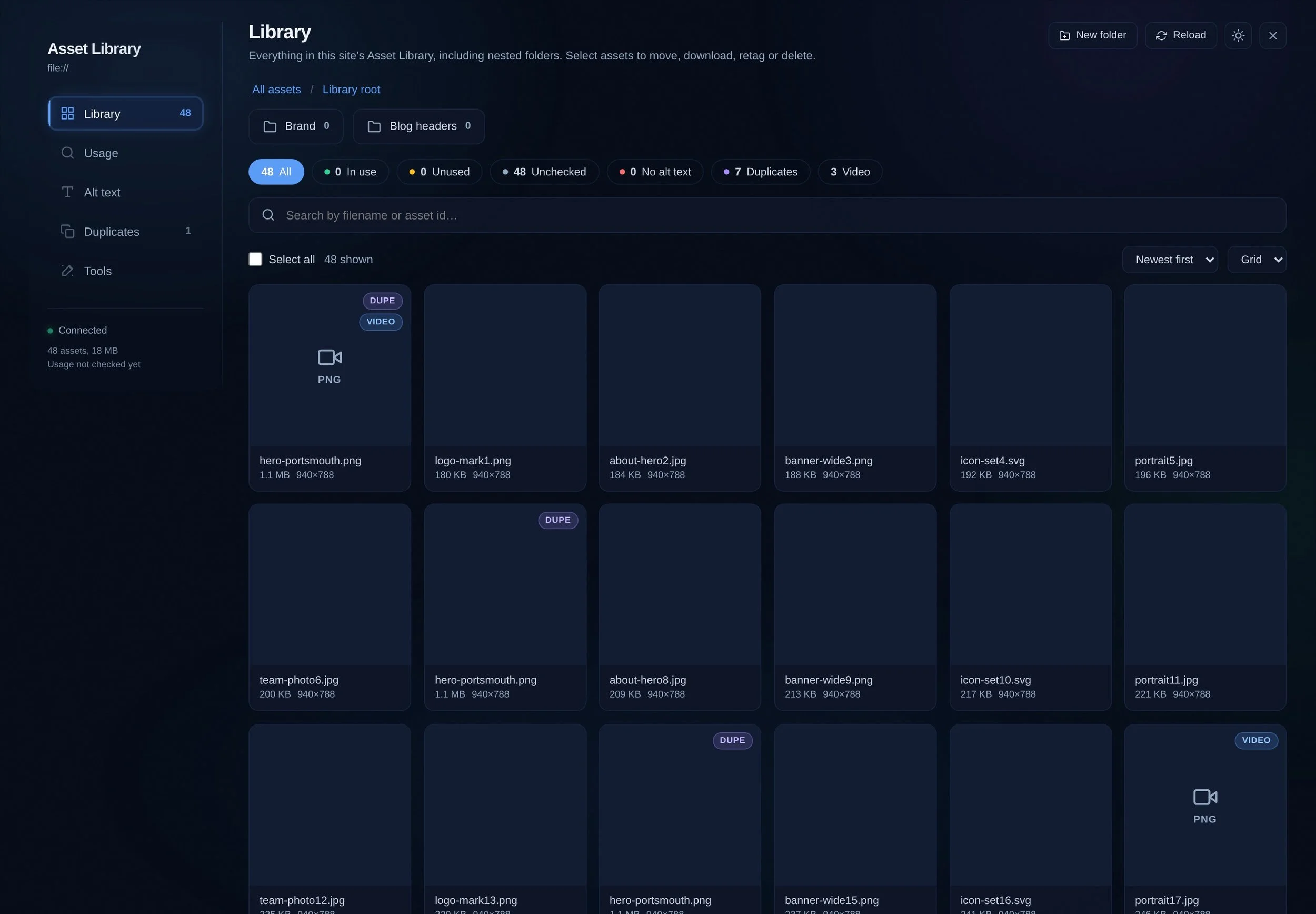
Audit, clean and manage the Squarespace asset library from inside your own admin. It answers the question Squarespace will not: which of these images is actually used, and where.
£59 one-off, unlimited sites, free updates
Asset Library Manager showing the full Squarespace asset library with usage counts
Asset Manager
£59.00

See what your Squarespace library is actually using.

The Asset Manager tells you which images your Squarespace 7.1 library actually uses, and where, so you can clear out the rest with confidence.

  • Usage, answered. It checks every page, post, product, event and lesson, plus campaigns and forms, and says in use or not.

  • Duplicates found. Groups the real copies and selects the ones safe to remove.

  • Alt text, fast. Generate it for missing images, and go back into edit them again and again, confirmed saved.

  • True originals. Download one file, or many as a named ZIP.

  • Bulk upload, unzip folders directly into the library, restore lost documents as site files.

  • Upload PDFs or any other files in bulk.

  • Client-ready. Printable usage report and CSV exports.

4,812
Images in an inherited library, with no way to tell which ones a page still needs.
Every block
What an alt text pass costs by hand: open every page, open every image, type, save.
No history
Delete the wrong asset and there is no undo, which is why nobody ever tidies up.
What it does

Find out what is used, fix what is wrong, remove what is not

Usage

Where is this image actually used?

Two passes, not one guess. Squarespace’s own usage index gives the authoritative answer, then a full page and collection crawl pinpoints where each asset appears, down to the block.

  • Used, unused and uncertain, separated
  • Page, collection and block level detail
  • Safe to delete, with the evidence attached
Usage report showing which pages reference each Squarespace asset
Duplicates

The same photo, uploaded six times

Matched on canonical filename, exact byte size and dimensions, so the groups are real rather than similar. Safe-select keeps the copy that is in use and marks the rest.

  • Grouped by filename, size and dimensions
  • Keeps the in-use copy automatically
  • Download a group before you clear it
Duplicate detection grouping identical Squarespace assets
Alt text

Write the alt text once, or start from a draft

Every image block on the site in one editable list, grouped by the picture rather than the library entry, so one logo used across the site is a single row. Generate a first draft of the alt text for every image, then go back through and say it properly in your own words.

  • Generate a first draft on every image
  • Edit any of it before it goes near the site
  • Missing alt text filtered into a worklist
  • Writes to the live site, then verifies the write
Alt text worklist 412 images
studio-portrait-2024.jpg Founder seated at a desk in a bright studio draft
brand-mark-navy.png Squarehead logo in navy saved
IMG_4417.HEIC Two people packing orders into boxes draft
team-offsite-crop.jpg Team standing outside a converted barn saved
Drafts stay yours to edit. Saved changes are read back from the site and confirmed.
Before you buy

Questions, answered

Anything else, get in touch and you will get a reply from the person who wrote the code.

Does it work on Squarespace 7.1?

Yes, it is built for Squarespace 7.1 and runs inside your own admin session. Nothing is proxied through a third party.

Is the alt text written to my site automatically?

Only when you say so. Alt text is drafted into an editable list first, you review and change anything you want, and each save is read back from the site and verified.

Can it delete something I still need?

Nothing is removed without you selecting it. Assets are separated into used, unused and uncertain, duplicate groups keep the in-use copy by default, and you can download a group before clearing it.

Is it a subscription?

No. It is £59 once, used on as many sites as you like, with free updates and install docs.

Buy Asset Library Manager

One payment, unlimited use across every site you build. Free updates, install docs, and support from the person who wrote it.

Asset Manager
£59.00

See what your Squarespace library is actually using.

The Asset Manager tells you which images your Squarespace 7.1 library actually uses, and where, so you can clear out the rest with confidence.

  • Usage, answered. It checks every page, post, product, event and lesson, plus campaigns and forms, and says in use or not.

  • Duplicates found. Groups the real copies and selects the ones safe to remove.

  • Alt text, fast. Generate it for missing images, and go back into edit them again and again, confirmed saved.

  • True originals. Download one file, or many as a named ZIP.

  • Bulk upload, unzip folders directly into the library, restore lost documents as site files.

  • Upload PDFs or any other files in bulk.

  • Client-ready. Printable usage report and CSV exports.